Cloud Calendars vs Apple Weather + Apple Calendar Split: Direct Sync Architecture, Zero-Relay Privacy & WeatherKit Matrix
Technical comparison of Cloud Calendars and Apple Weather + Apple Calendar Split evaluating Eliminating App-Switching Between Forecast and Schedule and Direct Sync Architecture, Zero-Relay Privacy & WeatherKit Matrix on iPhone and iPad.
Executive Summary: Cloud Calendars vs Apple Weather + Apple Calendar Split
Teams evaluating Cloud Calendars: Sync & Widget against Apple Weather + Apple Calendar Split primarily focus on Eliminating App-Switching Between Forecast and Schedule and Direct Sync Architecture, Zero-Relay Privacy & WeatherKit Matrix. While many calendar tools either lock you into a single provider ecosystem or route your corporate credentials through third-party cloud relays, Cloud Calendars synchronizes directly from your iPhone and iPad while embedding full Apple WeatherKit telemetry.
| Evaluation Criterion | Cloud Calendars (Arte Soft) | Apple Weather + Apple Calendar Split |
|---|---|---|
| Primary Differentiator | Eliminating App-Switching Between Forecast and Schedule | Standard single-angle calendar workflow |
| Data & Credential Path | 100% Direct Device-to-Provider (Zero Cloud Relay) | Varies by vendor cloud account / telemetry policy |
| Supported Providers | iCloud, Google, Exchange, Outlook, Office 365 & CalDAV | Often restricted or requires middleware bridge |
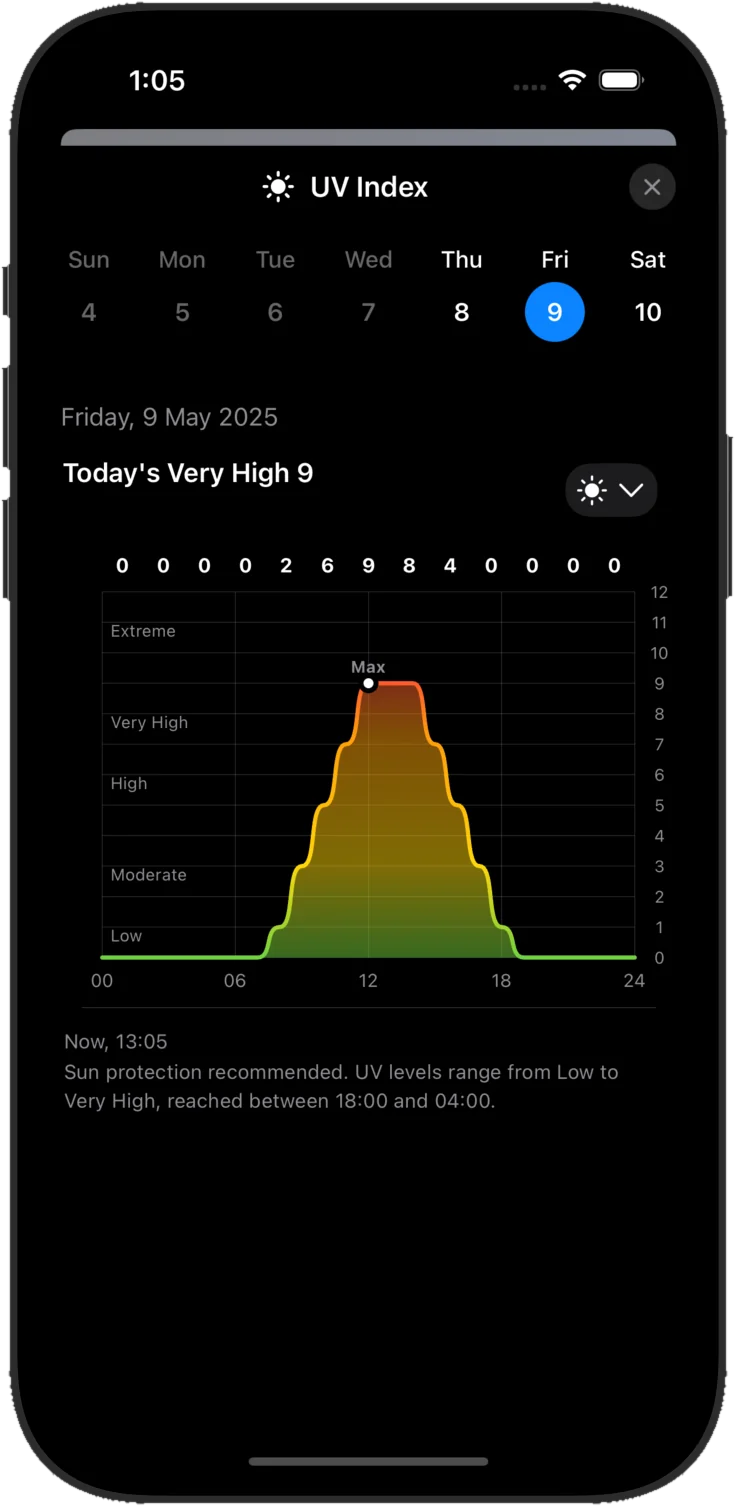
| Built-In Weather Telemetry | 7-Metric Apple WeatherKit (Temp, Rain %, UV, Wind, Pressure, Humidity, Visibility) | Requires switching to a separate weather app |
| Month View Readability | Full readable event titles & multi-day banners | Often truncates to dots on mobile screens |
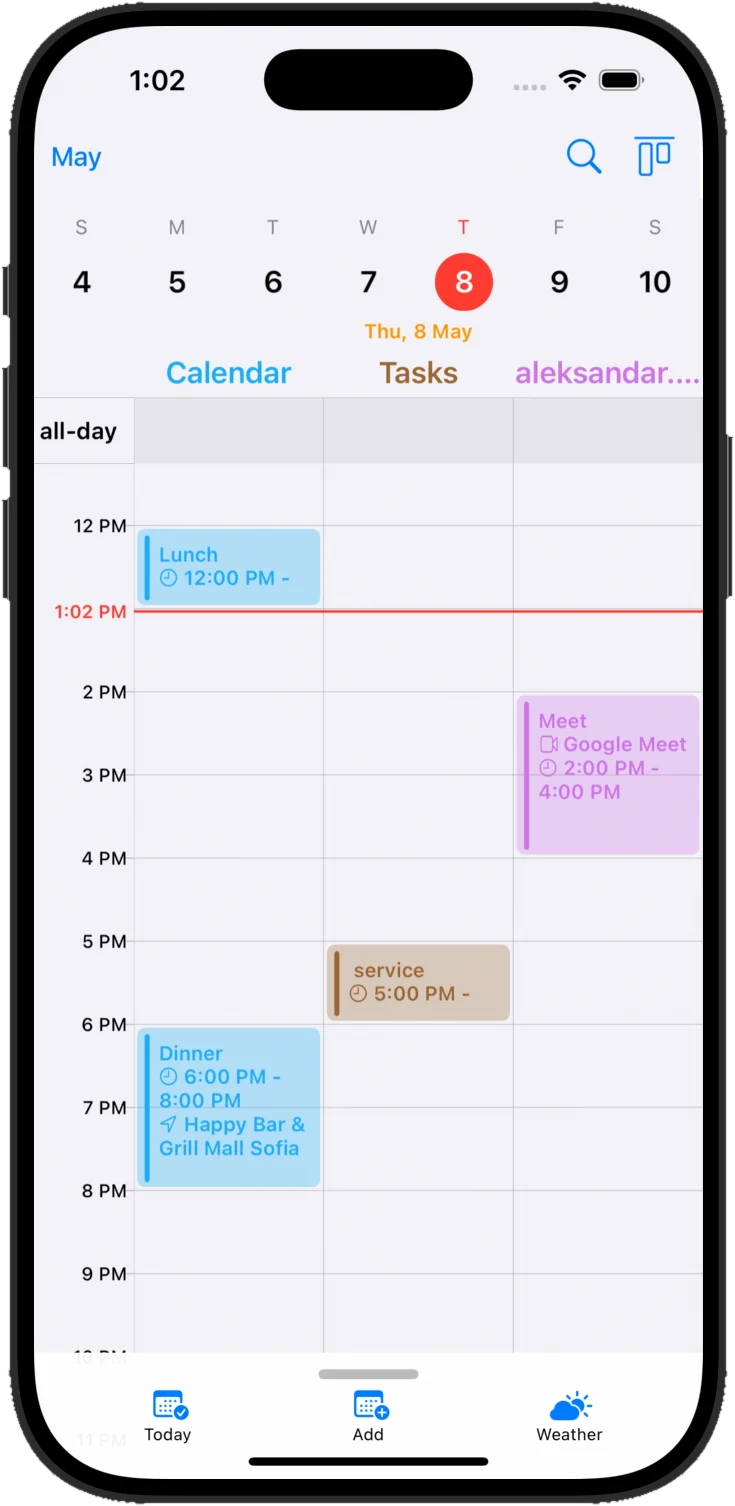
Visual Workspace & Live WeatherKit Overlay
Frequently Asked Technical Questions
What is the biggest advantage of Cloud Calendars over Apple Weather + Apple Calendar Split?
Cloud Calendars combines Eliminating App-Switching Between Forecast and Schedule with direct on-device synchronization (no cloud relay server) and built-in hourly Apple WeatherKit overlays.
Can I migrate from Apple Weather + Apple Calendar Split without losing any events?
Yes. Because Cloud Calendars connects directly to your existing iCloud, Google, Exchange, and CalDAV accounts, all your events appear immediately upon sign-in.